What about left + bottom?
Left shows side-specific differences. Bottom shows the underside, contact points and recesses. Include either when available. Neither was supplied for this car; unseen surfaces are inferred.
 PROJECT VIRTUALTHE WORLD IS YOURS TO BUILD.Get Project Virtual ↗
INDEPENDENT TOOLS. UNLIMITED IDEAS.
From a picture in your head to a prop in your game. Build, texture and bring your 3D ideas to life with Project Virtual.
Windows desktop · $149.99 once · No monthly subscription
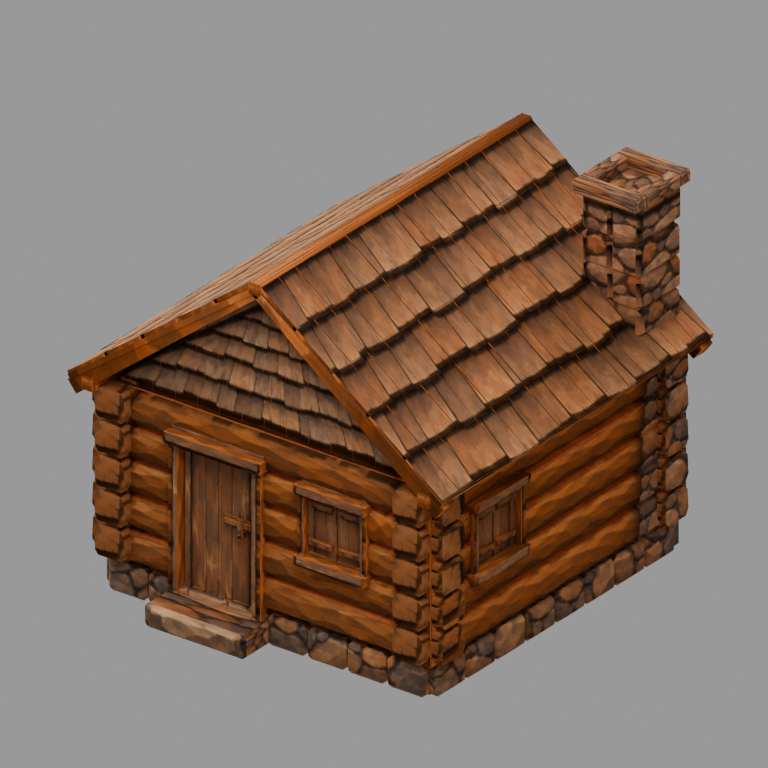
ONE SUBJECT. EVERY ANGLE.
These are the original cybercar input images.
Each view answers a different shape question.
The finished result stays editable in PV3.
Width + height. Start with the face of your subject.
Length + height. Check stance, depth and side details.
Back shape + asymmetry. Keep the design consistent.
Width + length. Understand the footprint and upper surfaces.
THE FINISHED PROJECT
The images guide silhouette, proportions and surface color. The model is constructed, unwrapped and textured with native tools, then inspected against its references.
This example uses a calibrated recipe for these original images. New subjects need their own construction and checks.
Left shows side-specific differences. Bottom shows the underside, contact points and recesses. Include either when available. Neither was supplied for this car; unseen surfaces are inferred.
Use the same design and pose, a plain background and straight views. Align ground level and physical scale, accounting for margins. Keep original references at full resolution.
Inspect geometry first, a UV checker next, and baked color separately. A 512-square texture with 2 px gutters still needs a clean unwrap and correct projection.
In the app: Add reference photos → Arrange references → label each view → align scale → Build. Generic silhouette Build needs front + right; additional guides support inspection and subject-specific plans. Download the full reference specification ↗
REAL GEOMETRY. EVERY ANGLE.
Explore the actual textured game assets.
Drag to orbit. Scroll or pinch to zoom.
Use arrow keys to orbit and + / − to zoom.
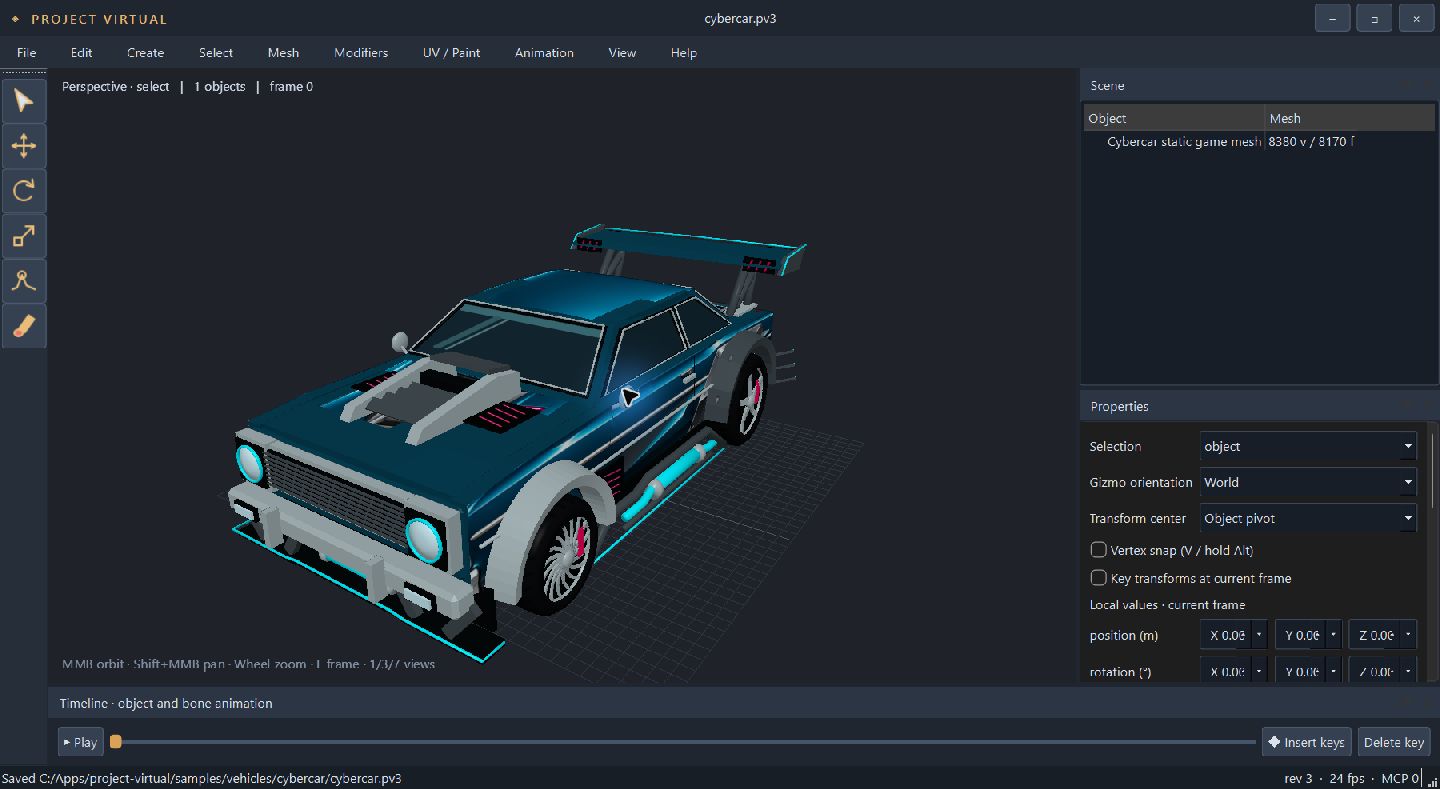
Textured static vehicle
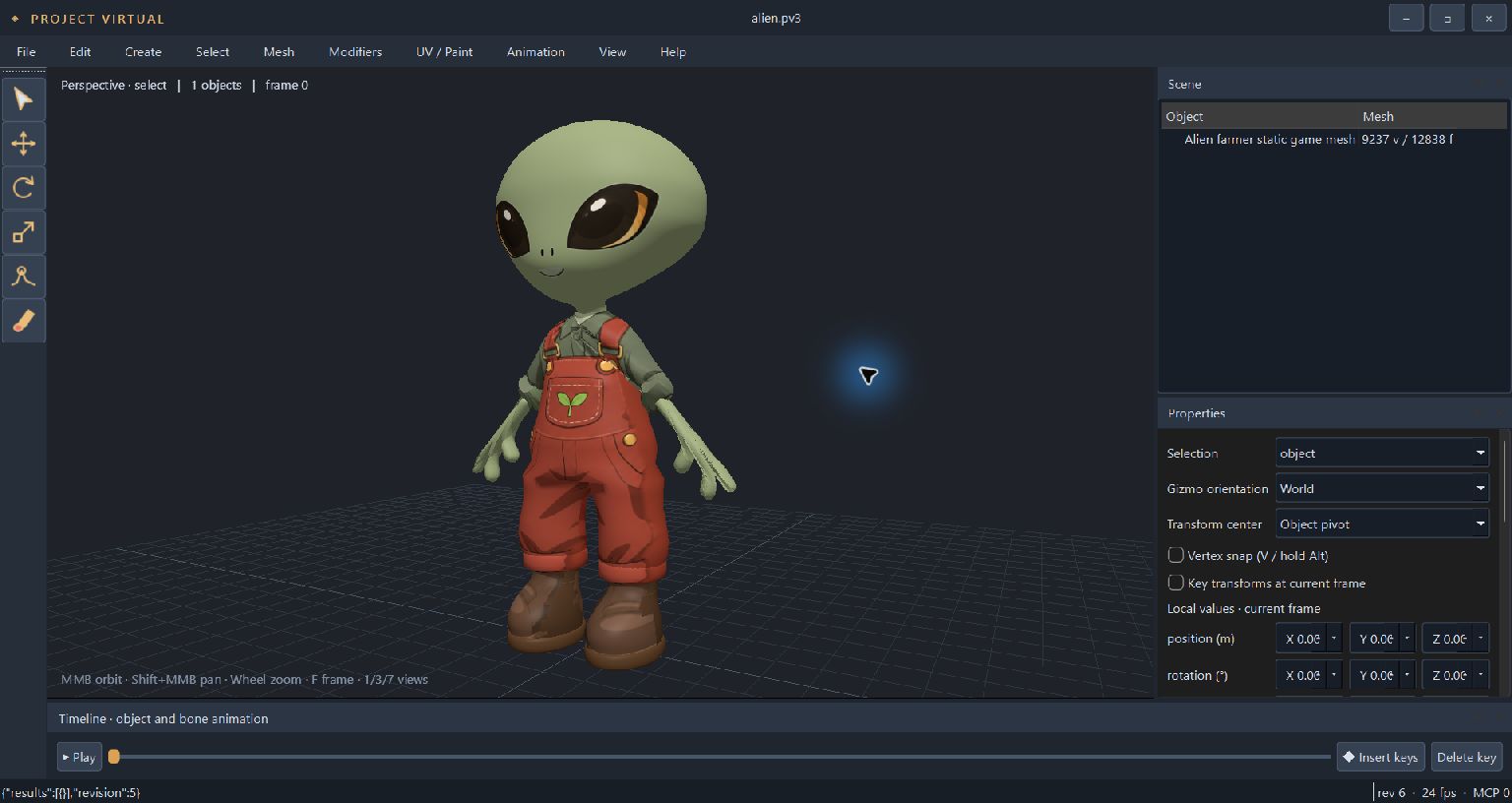
18,422 triangles · Static character
Original PV3-exported meshes and color atlases. WebGL is required. Models load when you select Explore in 3D. These showcases are static; the alien farmer is not rigged.
NOT JUST AN IDEA ANYMORE
Buildings. Vehicles. Characters.
Real projects, built with the native tools.
Choose a project to take a closer look.
A WORKFLOW THAT STAYS YOURS
Use your references. Shape the details.
Keep the source. Build on your own terms.
Bring in your images, align the views and define the idea. Silhouette, proportions and visible details give your model a direction.
Shape editable geometry with native tools. Use local command plans or connect your preferred compatible AI coding client through MCP.
Unwrap UVs, bake reference colors and refine the texture. Set pivots, rig or animate when needed, then verify and export your asset.
Your workstation. Your workflow. Native modeling works locally without an API key. Optional hosted AI services use your own account and may have separate charges.
THE DETAILS MAKE THE DIFFERENCE
A useful asset needs more than a good silhouette. Keep working all the way to the texture, the pivot and the final file.
Save native PV3 sources and return to the geometry, hierarchy, UVs and animation.
Project and bake source imagery into a shared atlas. Use texture for fine details and geometry where shape matters.
Native MCP and local plan tools connect capable coding assistants to the same modeling engine.
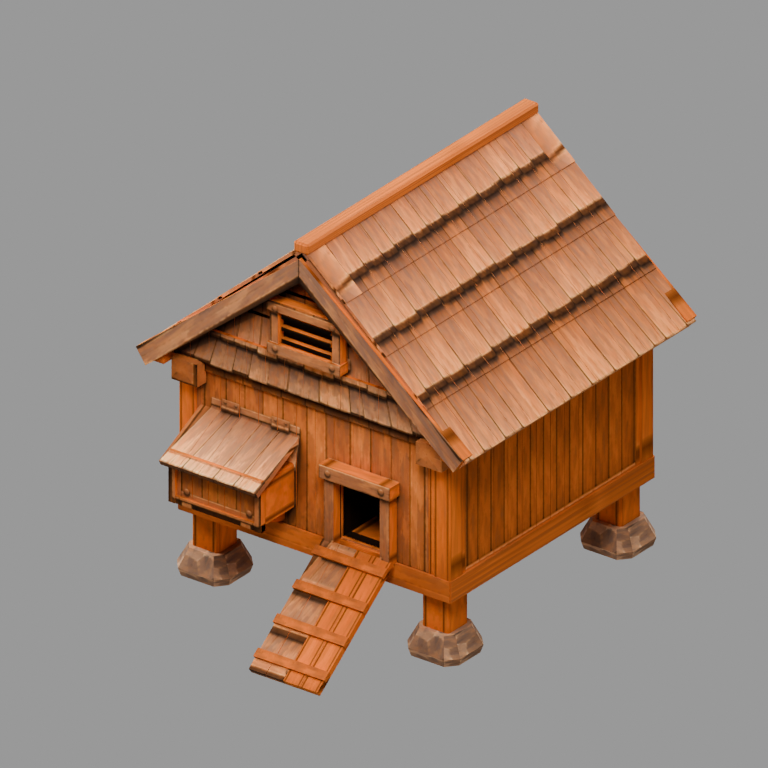
ONE TOOL. YOUR NEXT THOUSAND IDEAS.
Project Virtual for Windows.
Your own desktop 3D workspace, without a monthly software bill.
No monthly subscription.
No recurring software fee.
A FEW GOOD QUESTIONS
Yes. Project Virtual is $149.99 USD with no monthly software subscription. Optional third-party AI tools and hosted model usage may have their own charges.
No. Native modeling, UV tools, painting and local command workflows work without a hosted AI account. You can connect a compatible AI coding client through MCP if you choose.
Results depend on the subject, reference views and construction plan. Calibrated recipes reproduce specific subjects. New assets need their own modeling, UV, texture and visual checks.
Project Virtual has native bones, skin weights and keyframe tools. Preserve moving parts and verify deformation and motion for your project. A static model does not automatically include a rig.
The distributed Windows edition supports PV3 projects and OBJ with materials and textures. FBX requires the separately configured SDK edition. Check the exported asset in your target engine.
Project Virtual is a Windows x64 desktop application. Local model performance depends on your hardware. macOS and Linux desktop editions are not offered here.
THAT IDEA ISN’T GOING TO BUILD ITSELF.